Games that dig and build
Players raise, lower, smooth and flatten the ground, and undo it stroke by stroke.
Orrery Terrain · plugin for Unreal Engine 5.8
A heightfield terrain you sculpt, paint and build on while the game runs. Plates and corridors cut and fill the ground, every edit can be undone and saved, and a multiplayer session replicates the edits to everyone who joins.
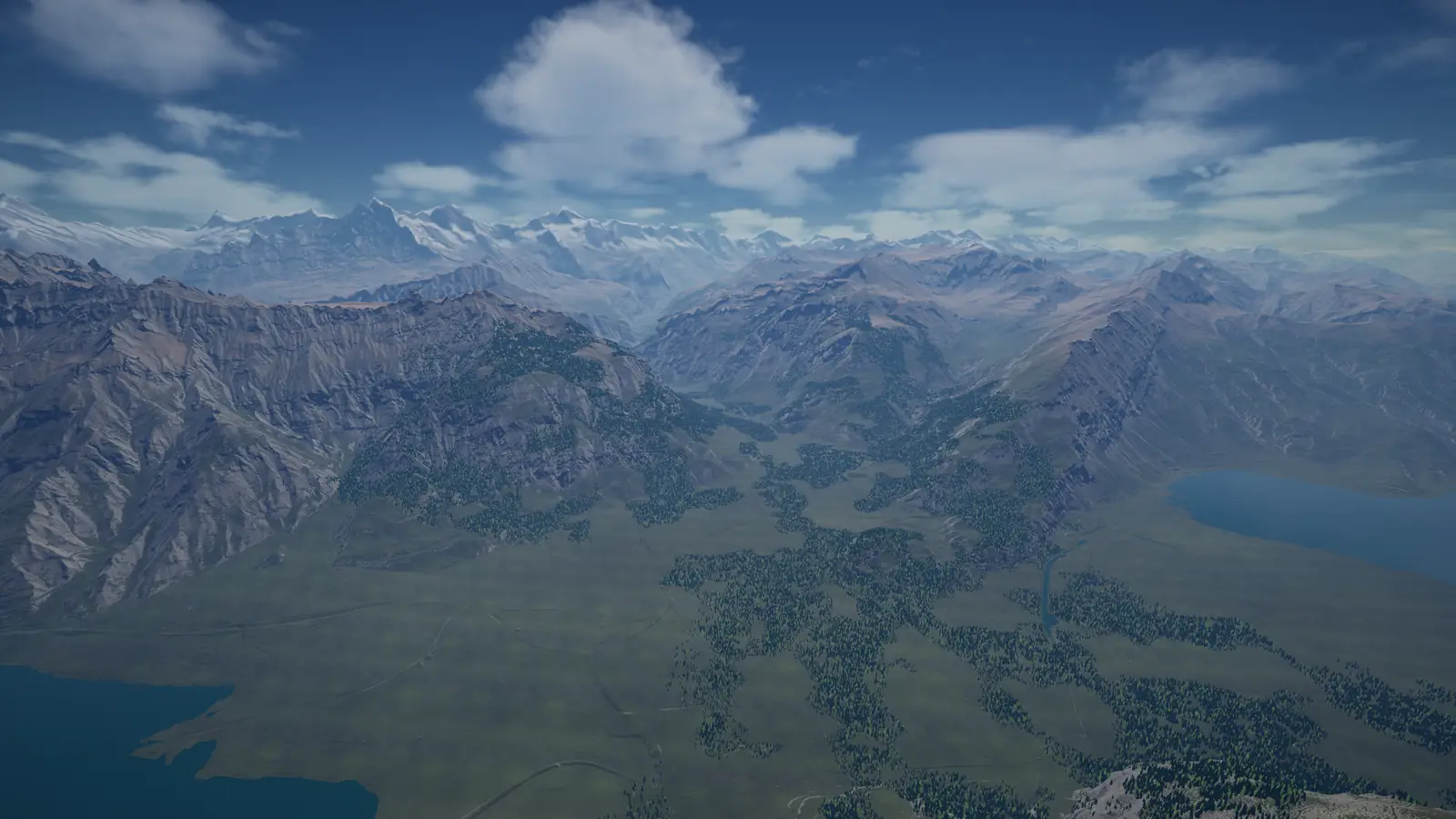
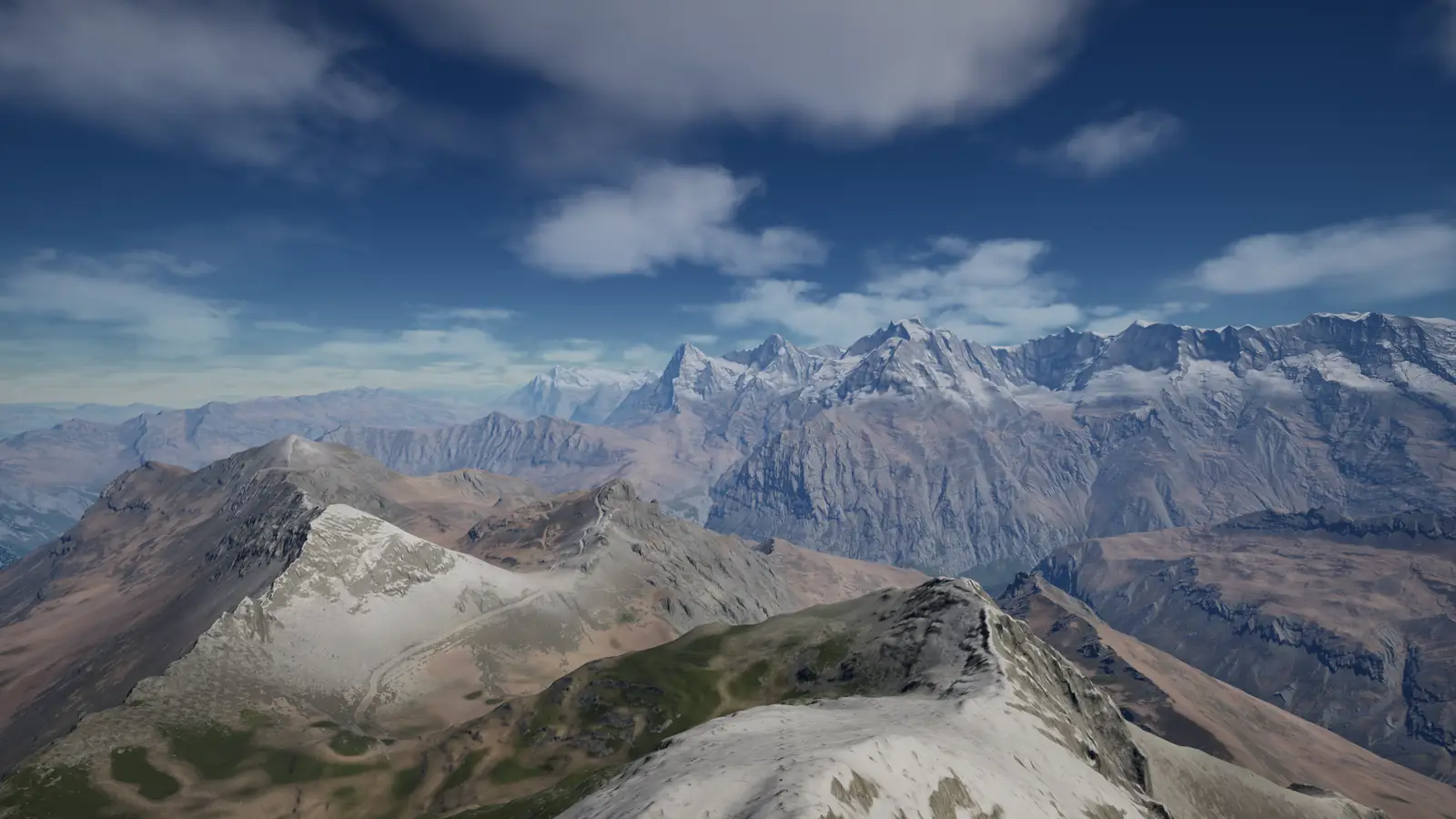
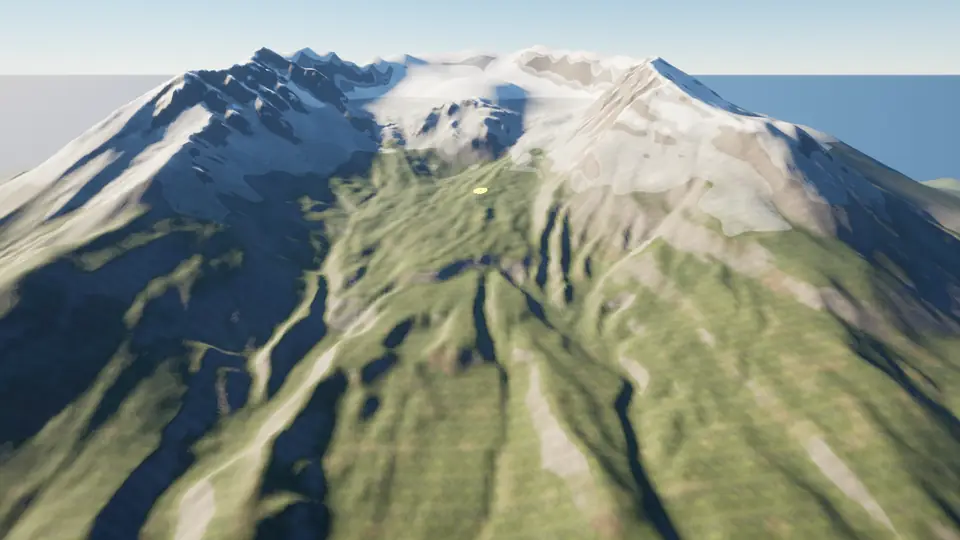
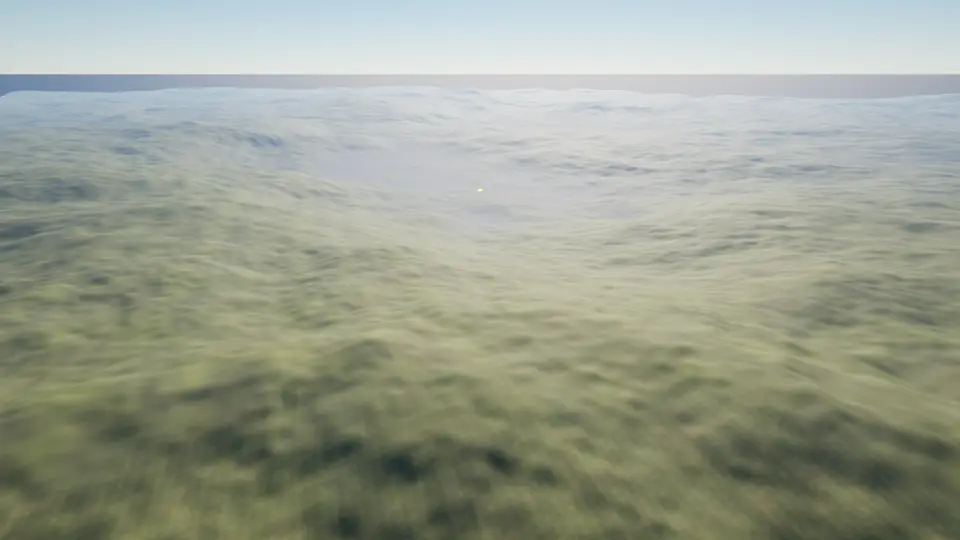
The plugin at work, captured in Unreal Engine on the Alpine_Hero sample map.
Four ways studios use a ground that changes while the game runs. Each links to the part of the guide that shows it.
Players raise, lower, smooth and flatten the ground, and undo it stroke by stroke.
Level a site for each building with a plate, and keep the changed ground in the player's save.
Cut and fill roads, rail beds and canal banks along a spline, with the cut and fill volumes before you commit.
Import GeoTIFF elevation models and heightmaps once in the editor. The Alpine_Hero sample is 64 by 64 km of Switzerland.
Version 1.0 has no caves or overhangs, because the ground is a heightfield, and no Nanite terrain. What 1.0 does not do
Each part links to the chapter of the guide that teaches it. Every picture is from the samples project.
Sculpt at runtime
Raise, lower, smooth, flatten and paint, stroke by stroke, with the ready-made brush tool or from your own Blueprint or C++. Every stroke can be undone and redone, and 32 strokes are kept by default. Texture brushes and height stamps are Experimental.
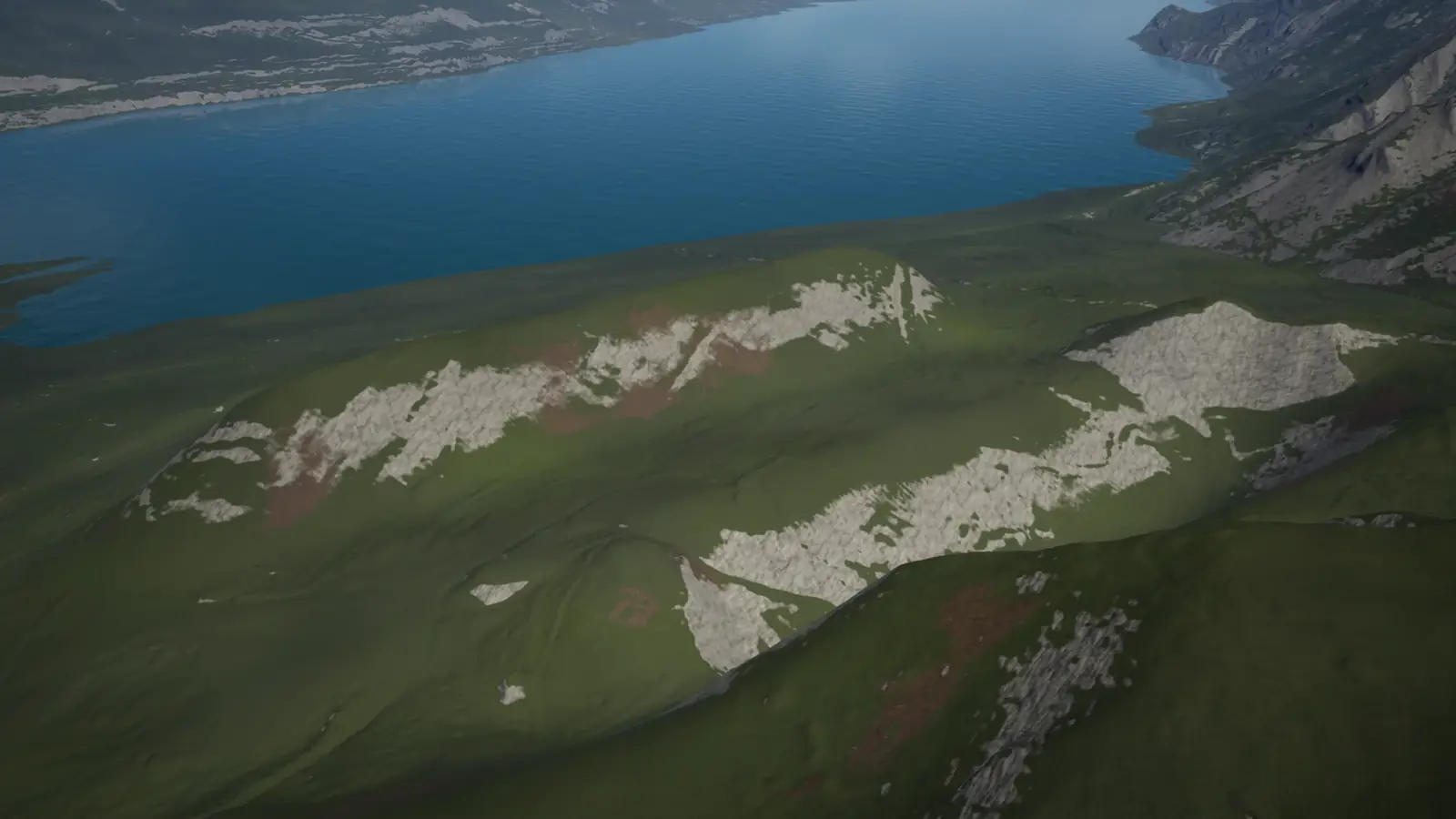
Plates and corridors
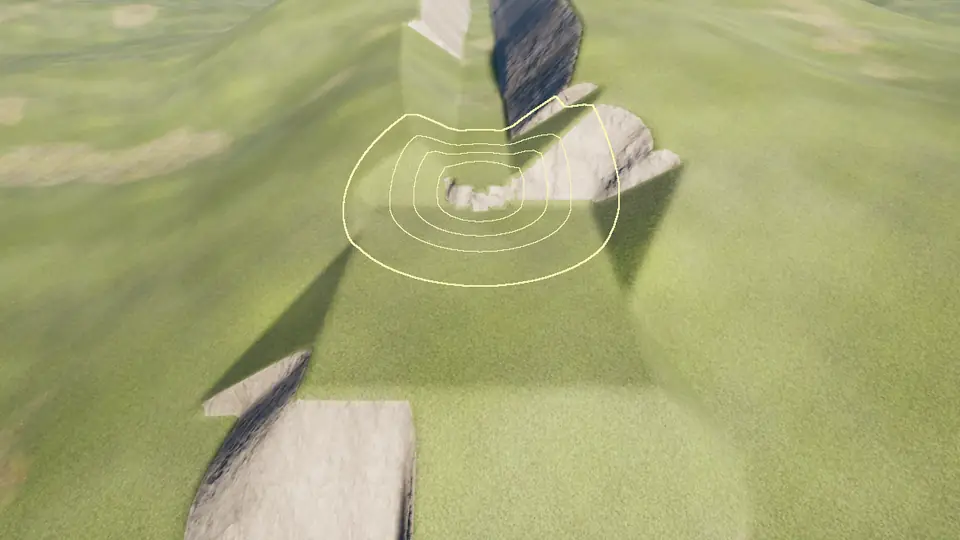
A plate is a flat area, a corridor a road, rail bed or canal bank along a spline. The terrain cuts the hill, fills the valley and slopes the sides back to the natural ground. Evaluate gives the cut and fill volumes before you commit, and a committed feature can be undone or removed later.
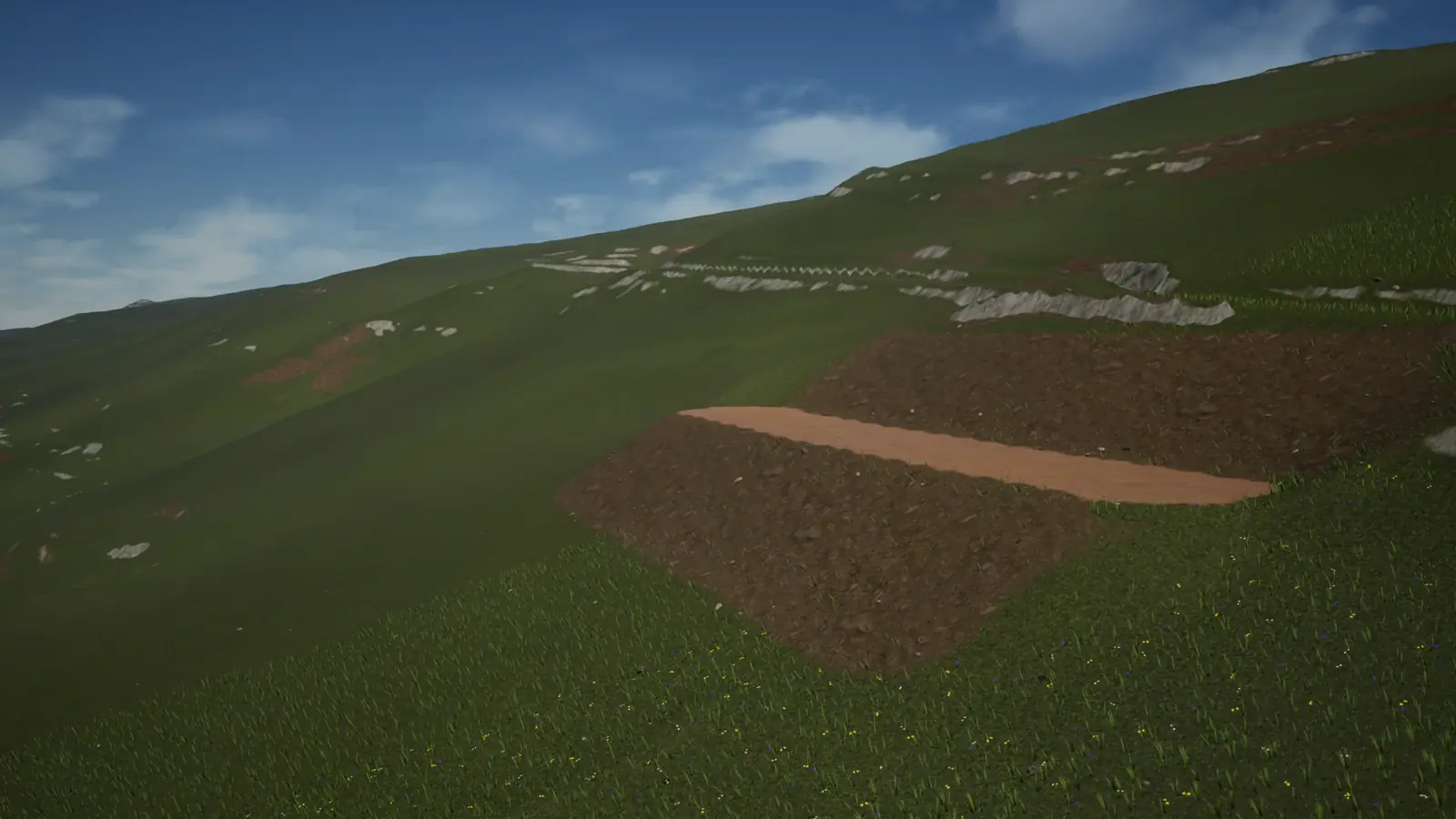
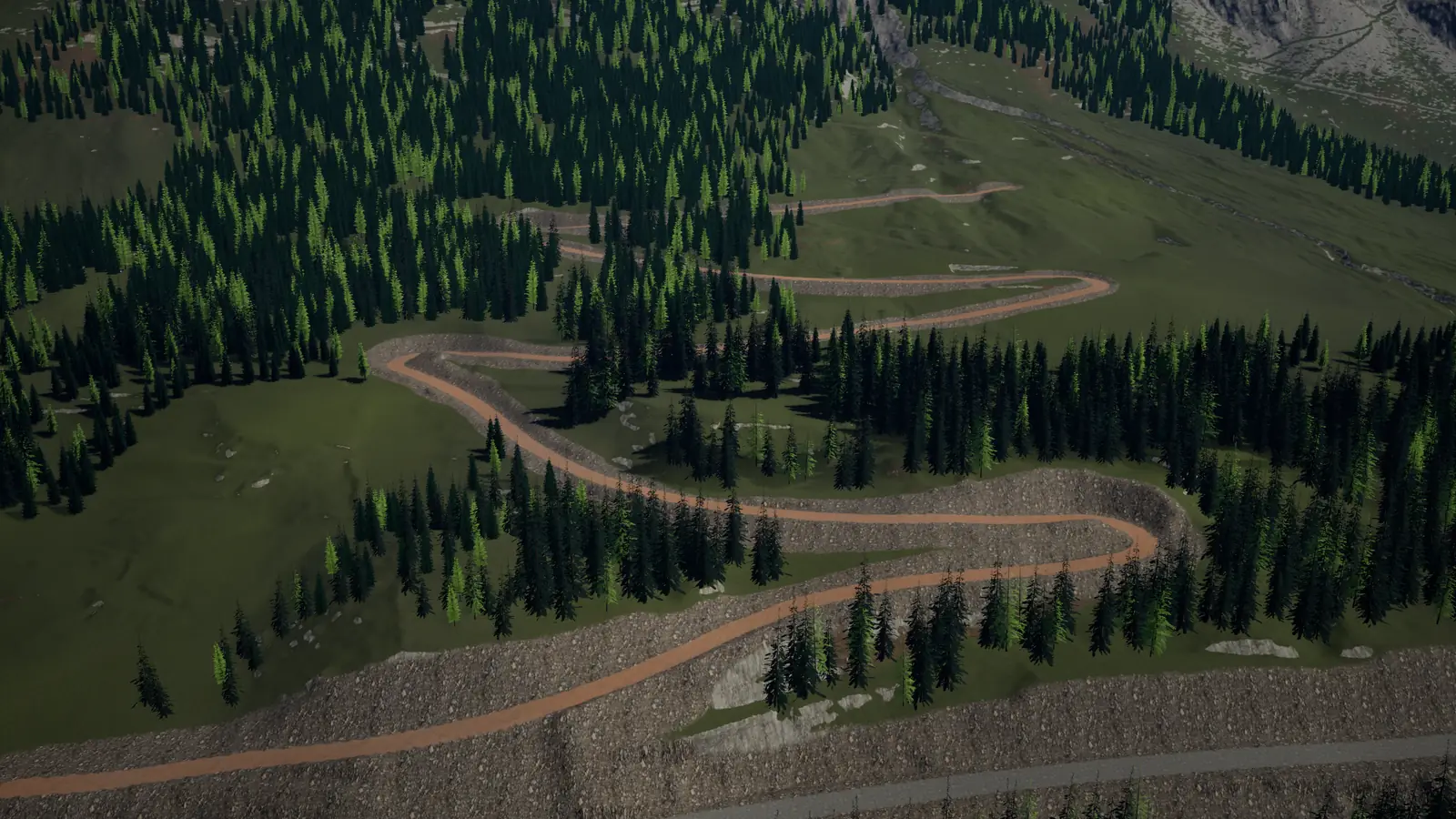
Large worlds
Tested at 64 by 64 km with a 1 m cell. Full-resolution tiles stream in around the cameras and the invokers you register (2000 m by default), and a far field draws the rest from an always-loaded coarse copy.
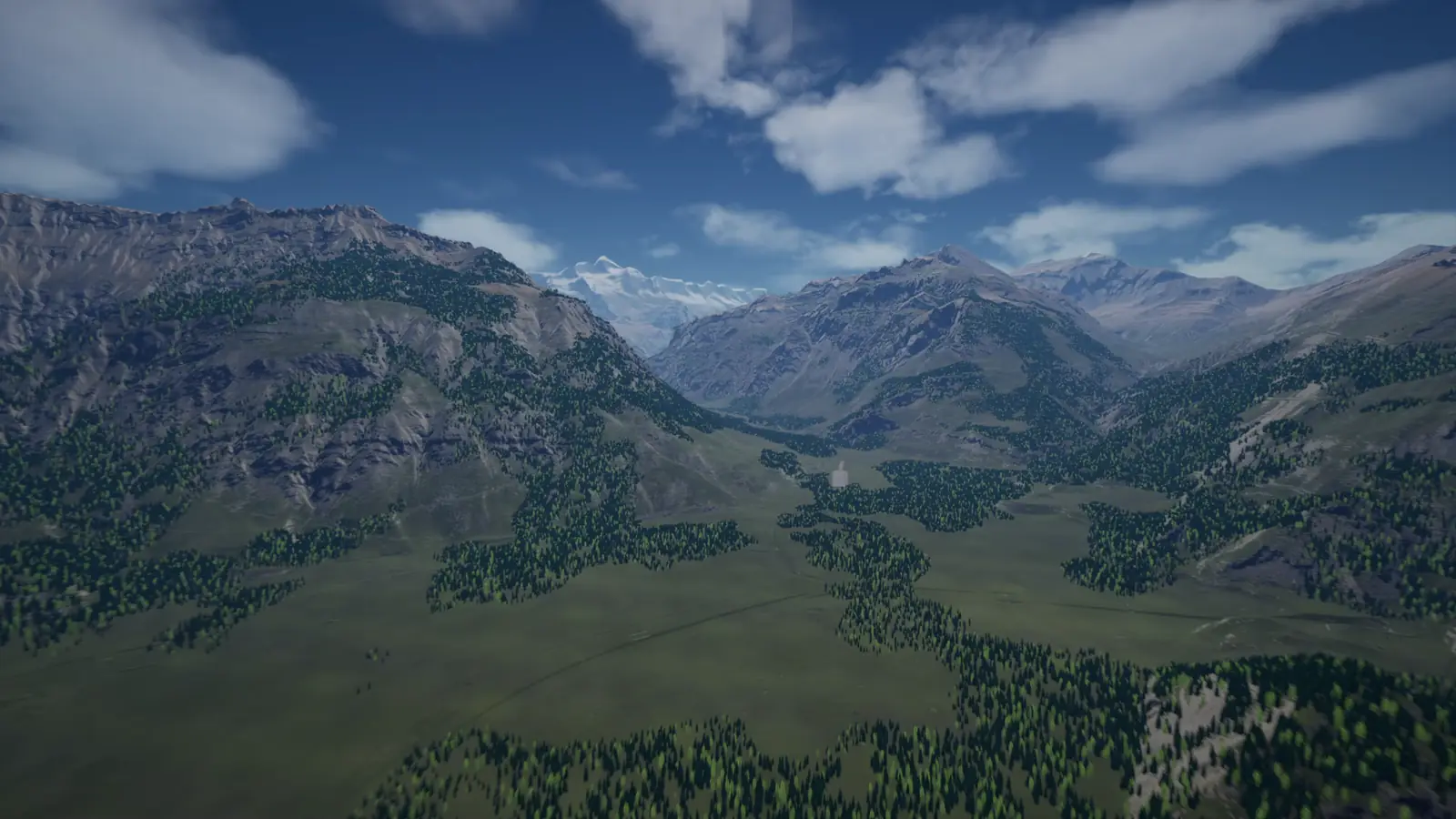
Paint layers
Up to four paint layers per ground point, from 256 layer ids, painted with the brush tool, from Blueprint or from C++. Use the default material with its automatic rules, or your own material with the plugin's layer blend.
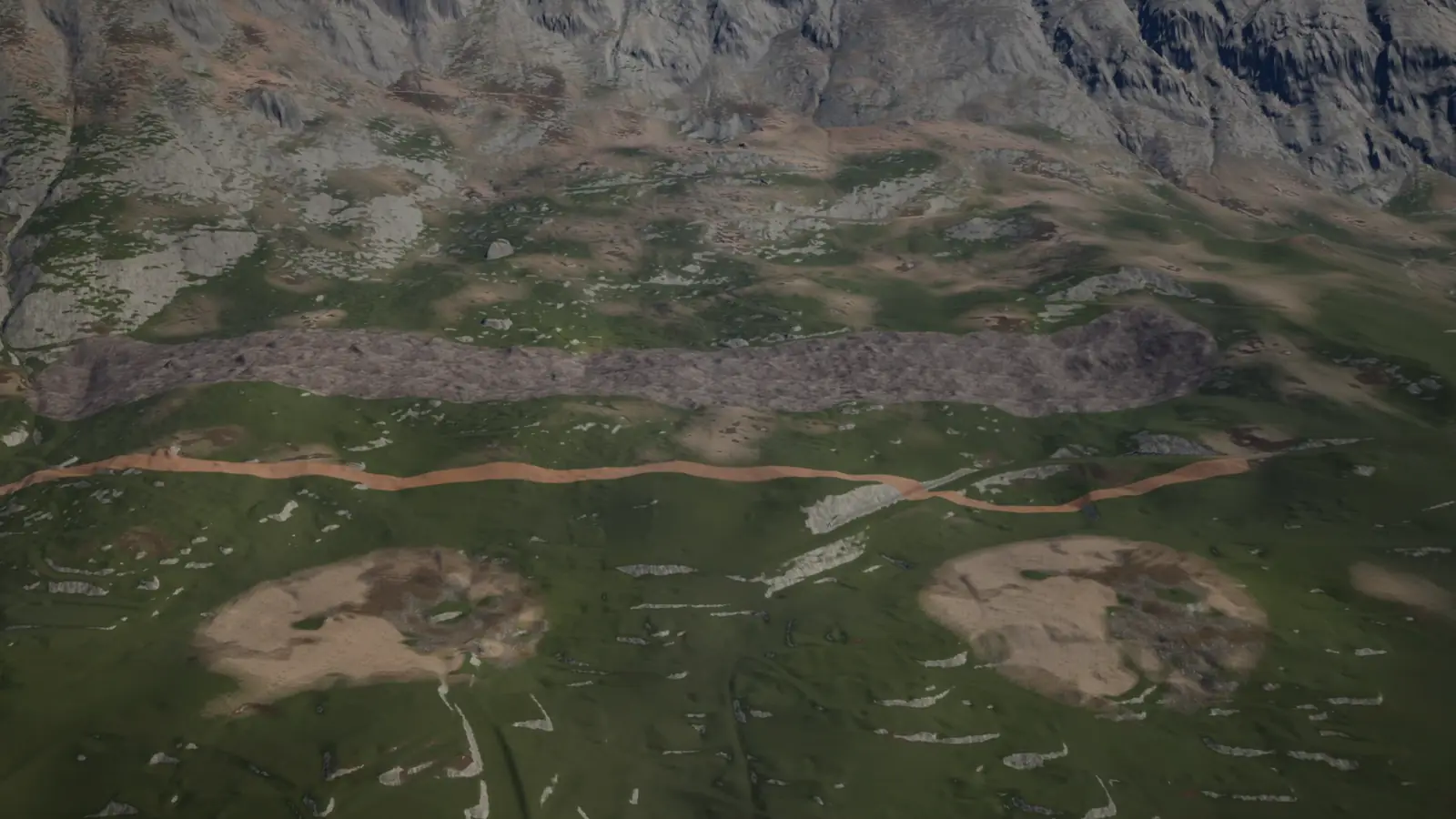
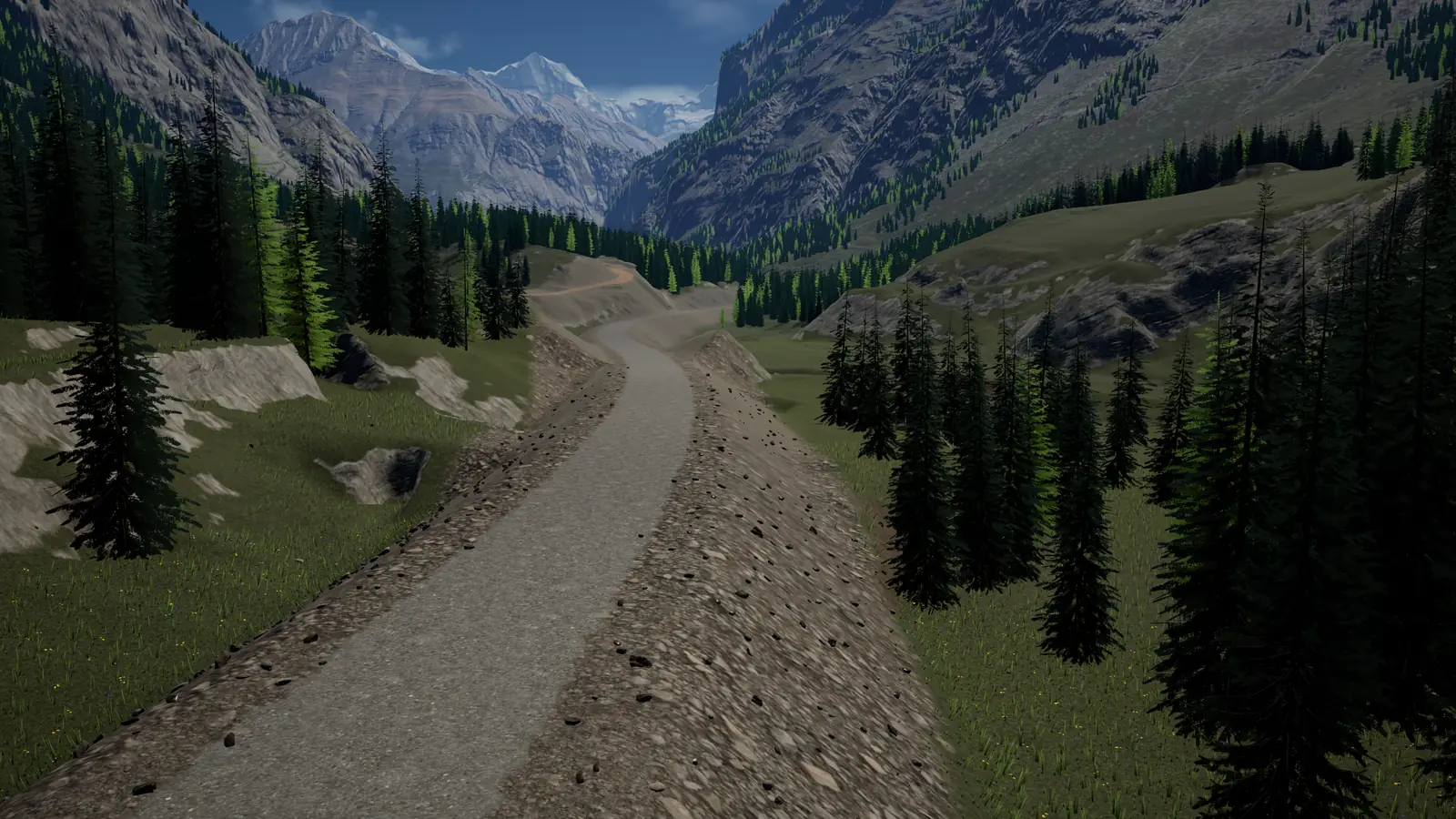
Real elevation data
Import 16-bit PNG and RAW heightmaps, GeoTIFF elevation models, or a Landscape once, in the editor. The Alpine_Hero sample is 64 by 64 km of the Jungfrau region at 1 m, from swisstopo's swissALTI3D.
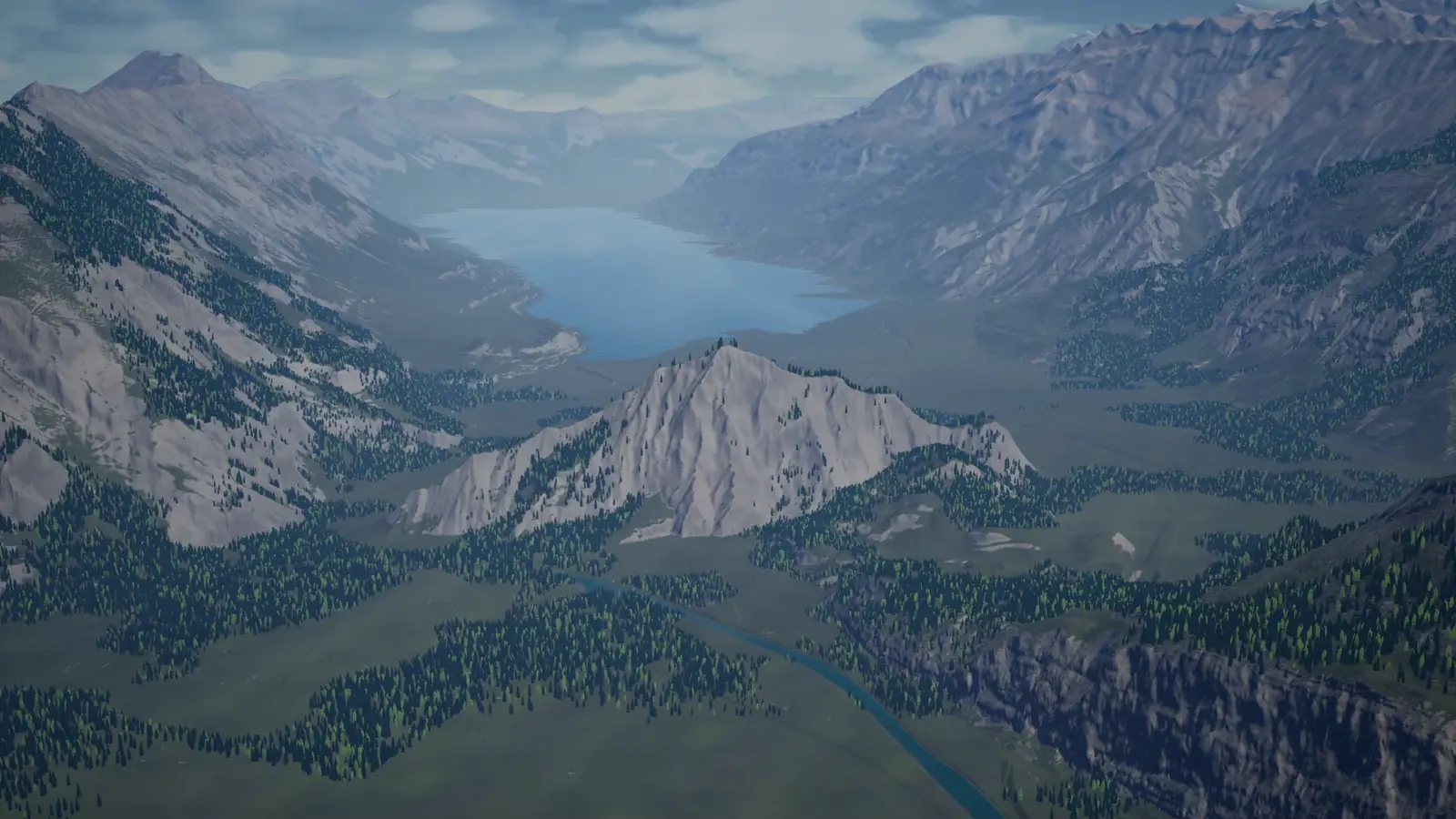
Multiplayer
On a listen server the server keeps one ordered log of edits and sends it to every client, and every machine ends with the same ground. A player who joins late receives the edited ground, then follows live. Listen servers only in 1.0, and the net layer is Experimental.
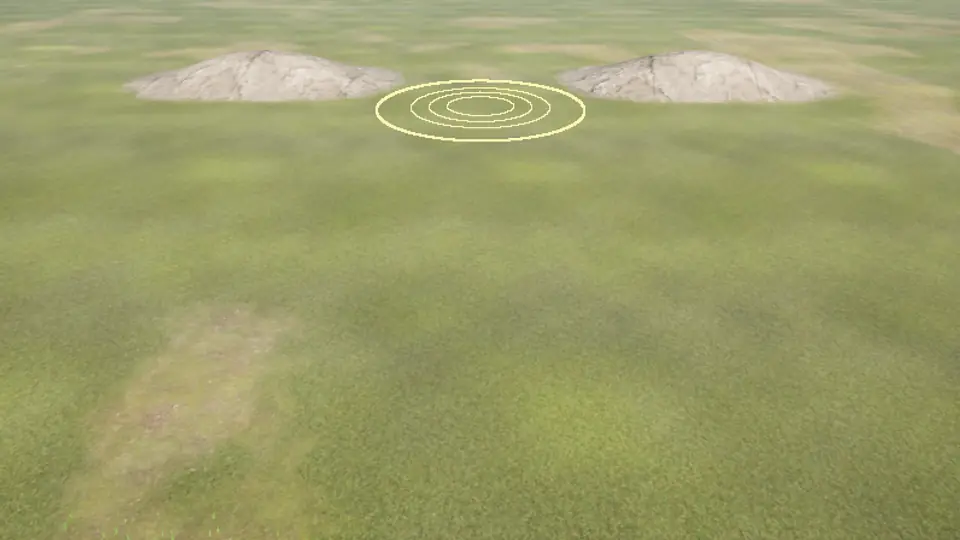
If the ground never changes during play, use Landscape. What this plugin is good at, what it is not for, and how it compares with Landscape, row by row. When it fits
Opened as its own Unreal project. The Samples zip holds six maps, each with a chapter of the guide, and is a few megabytes. The Orrery Alpine Hero Pack is a second, optional download that adds the Alpine_Hero map, 64 by 64 km of the Swiss Alps; unzip it onto the project.
| Download | Size | SHA-256 | Link |
|---|---|---|---|
| Samples (OrreryTerrainSamples.zip) The project with six maps: QuickStart, Terraforming, Earthmoving, RealWorldDEM, World64 and Multiplayer. Open it in Unreal Engine 5.8 with the plugin installed. | about 4 MB | Published with the file | Not yet published |
| Orrery Alpine Hero Pack (OrreryAlpineHeroPack.zip) Optional. The Alpine_Hero map, with its 64 km elevation store, foliage, far terrain and media sequences. It unzips onto the Samples project and needs it. | about 5.75 GB | Published with the file | Not yet published |
One brush step under the sculpt limits, from C++. The same calls exist as Blueprint nodes.
#include "OrreryTerrainSubsystem.h"
void ADigger::Dig(const FVector& Where){ UOrreryTerrainSubsystem* Terrain = GetWorld()->GetSubsystem<UOrreryTerrainSubsystem>(); if (!Terrain || Terrain->GetEditAccessAt(Where, 500.0) != EOrreryTerrainEditAccess::Allowed) return;
FOrreryTerrainBrushBP Brush; Brush.Kind = EOrreryTerrainBrushKind::Lower; Brush.Centre = Where; Brush.Radius = 500.0; Brush.Strength = 30.0;
const int64 Stroke = Terrain->BeginStroke(); if (Stroke == 0) return; Terrain->ApplyBrush(Stroke, Brush); Terrain->EndStroke(Stroke);}This example in the guide, with the answers each call can give
What the plugin itself costs, part by part, in milliseconds and megabytes. Every figure comes with its machine, build and date. There is no frame rate here, because it would mostly measure the rest of your project.
| Measurement | Result | Conditions |
|---|---|---|
| Load a 64 km world with edits, and verify it | 1.54 s | Save file 2.061 GB. Measured on the machine below with nothing else running. 2026-10-21. |
| A player joins during another player's stroke | 0.47–0.58 s | Listen server and clients on one machine. 2026-10-20. |
| Network use per sculpting player | 136 B/s | Four players sculpting at once, against a budget of 2,048 B/s per sculptor. Same session, 2026-10-20. |
| Grass instances built at the reference view | 117,951 | 173 components at 1422 × 800 and 135 % screen percentage. Grass is Experimental. 2026-10-18. |
Machine for every row unless the row names another, Intel Core i7-12700H, NVIDIA GeForce RTX 3060 Laptop GPU (6 GB), 32 GB RAM, Windows 11.
Over the same view with no terrain, in a Development build with Shader Model 6, on the 64 km example world with a plain sky and the default material, 2026-10-31.
| Part | Cost | Conditions |
|---|---|---|
| Low, 1920 × 1080 | 2.00 ms | Camera 2 m above a meadow. Base pass 1.61 ms, depth prepass 0.50 ms. |
| Epic, 1920 × 1080 | 6.10 ms | Same view. The terrain's own drawing is 2.04 ms. The rest is shadows and Lumen on the pixels of ground, 2.66 ms of it in lighting, so the terrain pass alone is not the total. |
| Epic, 2560 × 1440 | 8.18 ms | Same view, with 1.78 times the pixels. |
| Epic, 1920 × 1080, from the air | 4.81 ms | Camera 300 m above a valley. |
| Cinematic, 1920 × 1080 | 22.03 ms | Same view as Low. 17.62 ms of it is lighting. On the high side, because the card slowed from 1702 to 1582 MHz at 87 C. |
In the same build and world at Epic, with nothing else running, 2026-10-31. The plugin starts no threads of its own. Its background work runs on Unreal's task system, with limits you can change.
| Part | Cost | Conditions |
|---|---|---|
| Render thread the terrain adds | 1.05 ms | 4.64 ms with terrain, 3.58 ms without, at 1920 × 1080 from the meadow camera. |
| Game thread, camera still | 2.03 ms | 1.68 ms on the same map with no terrain, no sample pawn and no sample HUD. |
| A sculpt step, radius 20 m | 0.146 ms | Game thread, during a scripted drag at a 2 m cell size. 0.156 ms beside a corridor. |
| A height stamp, radius 1 km | 10.8 ms | Game thread, with the result ready in 14.0 ms on 20 logical cores. |
| A corridor commit, 1 km | 23.03 ms | Game thread, straight, at a 1 m cell size. The 300 m preview takes 1.76 ms. |
On the same world, with a 3 km residency radius.
| Part | Cost | Conditions |
|---|---|---|
| Video memory the terrain holds | 386.2–517.1 MiB | 386.2 MiB at Low, 397.8 MiB at Epic, 517.1 MiB at Cinematic. About 150 KiB per loaded tile, and the rest is the detail ring, atlases and pools. |
| System memory the process adds | 547–558 MiB | Working set over the same map with no terrain, at each level. It includes the tiles, their collision and the sample map's objects. |
| A save with no edits | 312 B | A 4 km square at a 1 m cell size. |
| A save after 1,000 brush steps | 18,432 B | Same map, 23 tiles touched, with a 20 m radius brush lifting 15 cm a step. |
| A save after 10,000 brush steps | 174,488 B | Same map, 227 tiles touched. |
Whole-frame graphics card time, 1920 × 1080 rendered, with Lumen and virtual shadow maps off, two paint layers and no painted weights, 2026-10-28. This is one comparison with these conditions, not a claim that either is faster in general.
| Ground | Whole frame | Conditions |
|---|---|---|
| Landscape, ground-level camera | 4.85–4.88 ms | 2.16 ms of it is the frame with no ground at all. |
| Orrery Terrain at Epic, same camera | 4.45 ms | At Cinematic it costs 5.56 ms, more than Landscape. |
These are what we tested, not a line between what works and what does not.
| Machine | Levels | Conditions |
|---|---|---|
| Core i7-12700H, 32 GB RAM, GeForce RTX 3060 Laptop GPU 6 GB | All levels | 1920 × 1080 and 2560 × 1440. Lumen and virtual shadow maps at Epic and Cinematic, which need Shader Model 6. |
| Core i7-6700HQ, 16 GB RAM, GeForce GTX 960M 4 GB | Low, Medium | 1920 × 1080 with Shader Model 5, so with no Lumen and no virtual shadow maps. 1.1 to 1.4 GB of video memory in use for the whole scene. |
Costs by pass and by part, threads, and how to read them on your own PC with `stat terrain`, in any build Plugin costs in the guide
Sold on Fab under Fab's Standard License, per seat. You pick the tier on Fab by your own or your company's gross revenue in the last 12 months, as Fab's license defines it.
Orrery Terrain is sold on Fab under Fab's Standard License. Fab sells code plugins per seat, and that is Fab's rule for every code plugin on Fab, not a term of ours.
“Code plugins ... are offered to you on a per-seat basis and may only be used by the number of users that you have purchased licenses for.”
Refunds go through Fab Support under Fab's refund policy. List prices in US dollars.